Have you ever wondered what it would be like to create songs using AI? Well, in today’s video, that’s exactly what we’re going to do. I’m going to show you the top four AI song generators that can make amazing songs in just a few minutes.
You can use these AI tools to get creative ideas, make your own music and melodies, and guess what? These tools are completely free to use! So let’s dive right in and let your creativity flow.
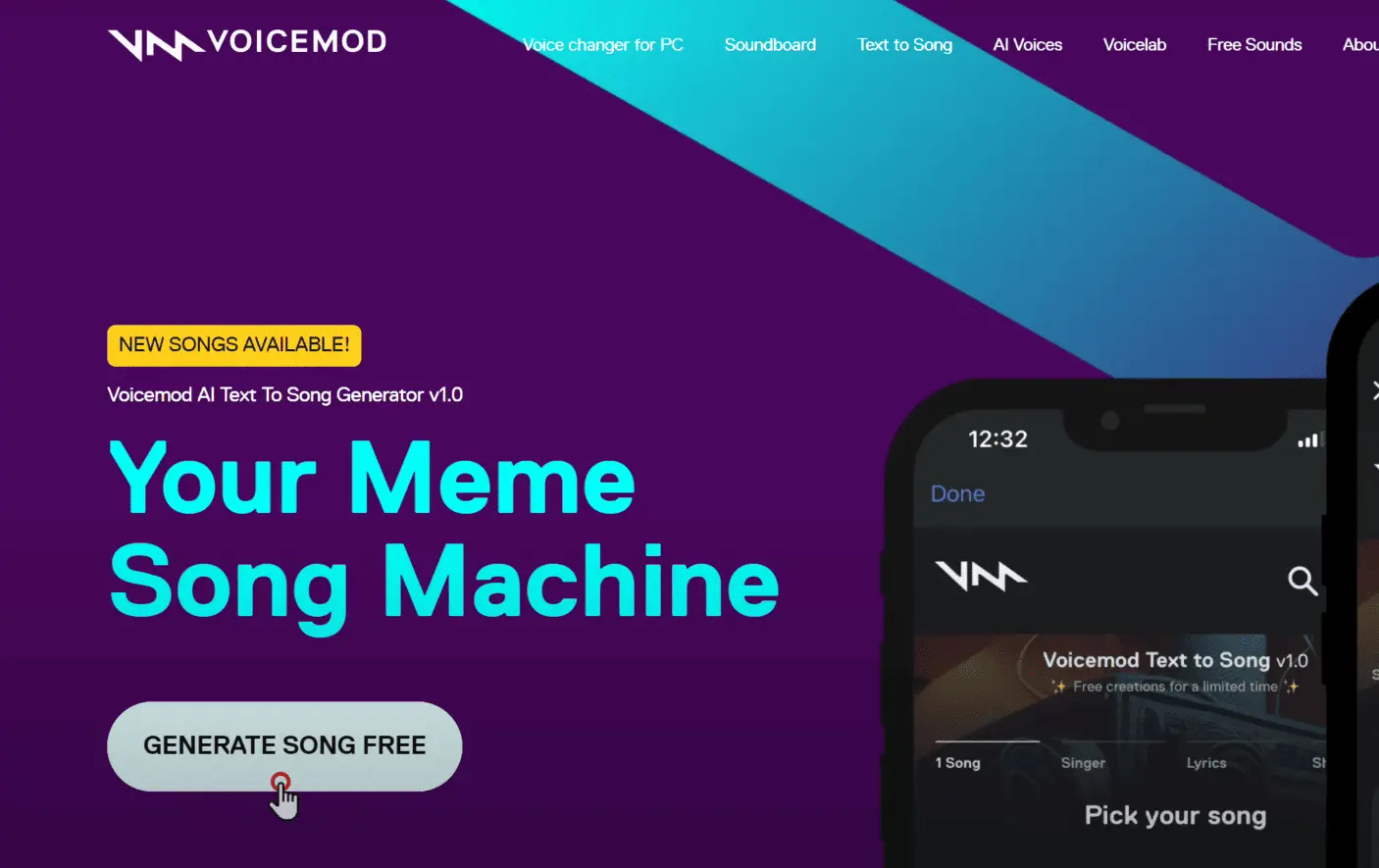
So, the first one on the list is Voicemod. This is definitely a mastery tool that can generate songs for you in just a few clicks.
To use this tool, just go to Google and search for voicemod.net, and it will take you to this website. Now click Text to Song and then click Generate Song for Free.
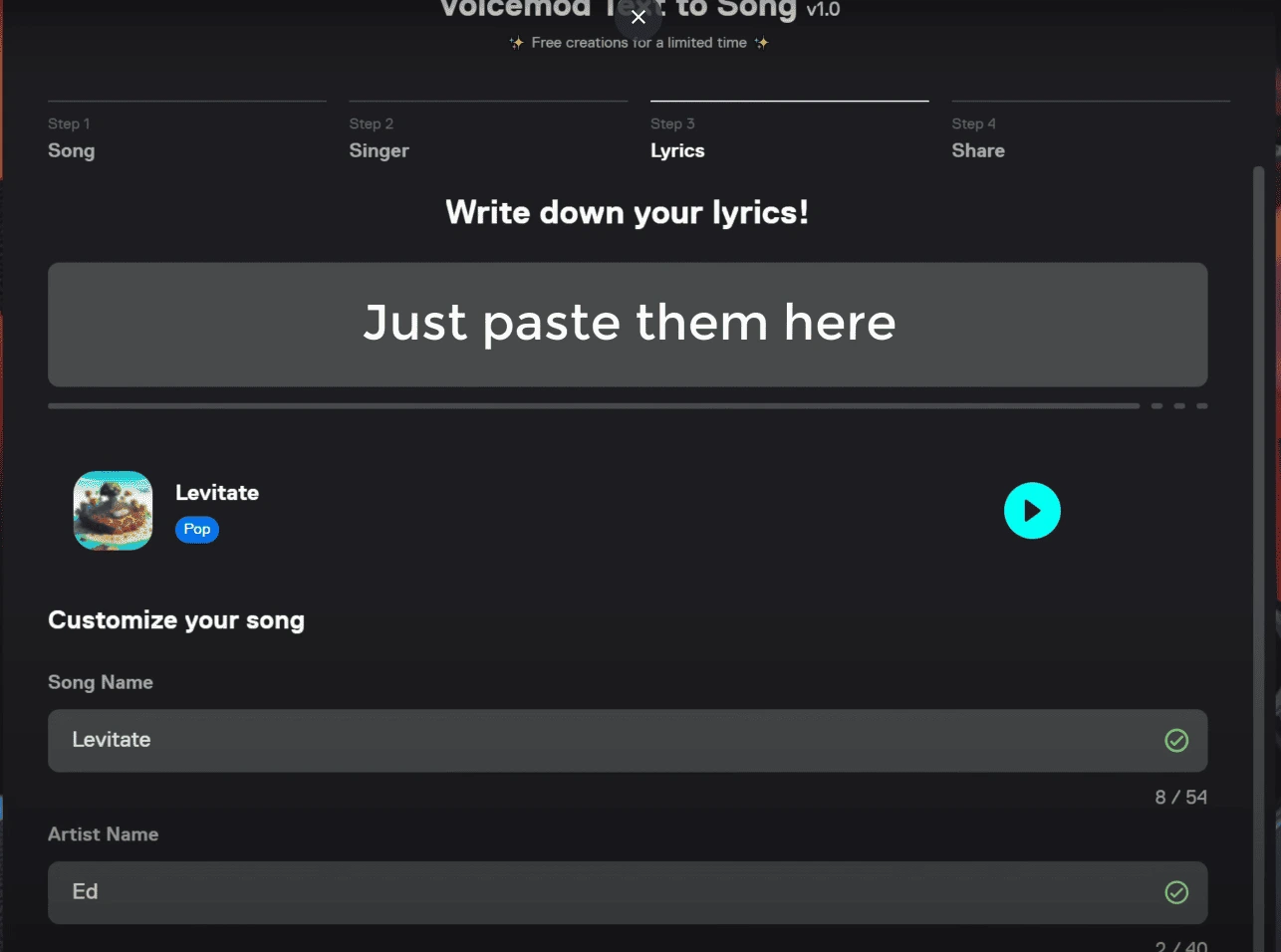
Here, you’ll find different tunes for the song. Let’s listen to the song and select the one we like:
La la la… 🎵
You can choose the one you like and click Next.
Then, you need to select the voice. You can just play the voices:
La la la… 🎵
…and then select the one that suits you. I’m going to select this one and click Next.
Then comes the lyrics for your song. If you’ve got your lyrics ready, just paste them here. If not, no need to worry—generating lyrics for your songs has become easier than ever!
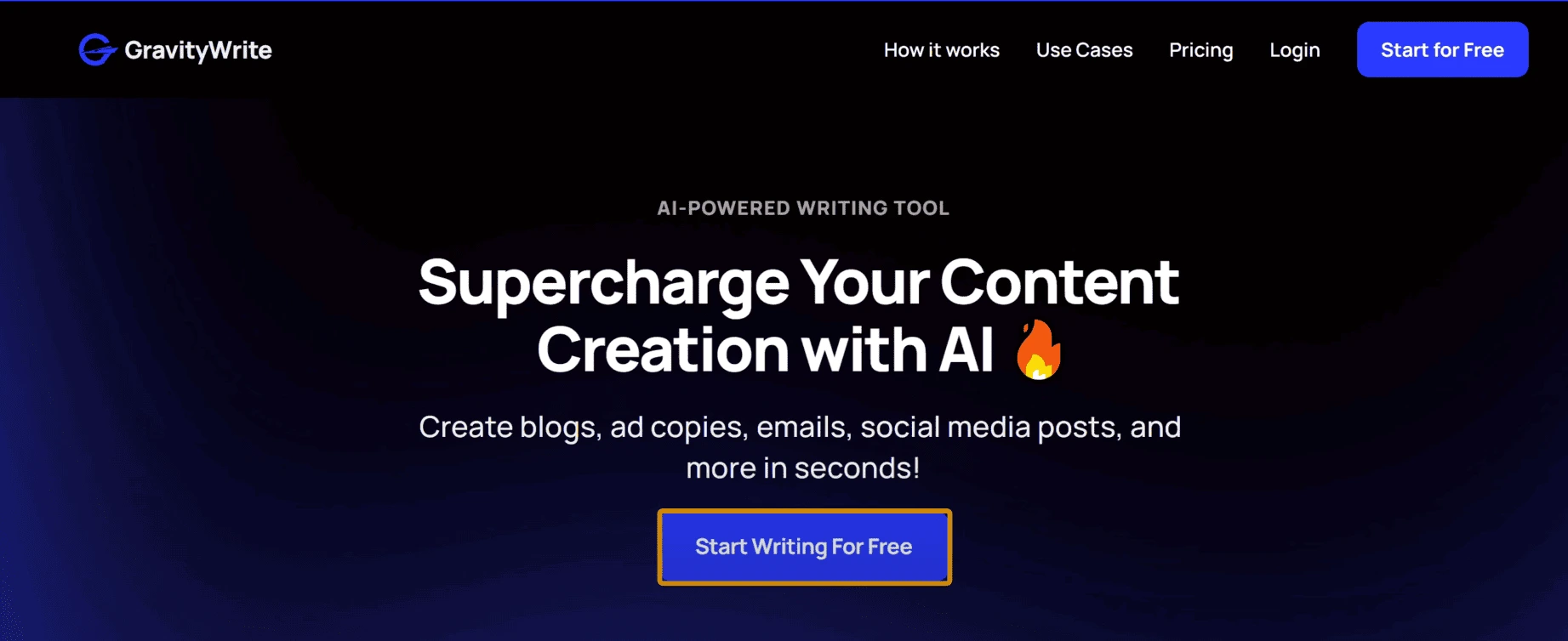
Just head over to GravityWrite.com. This tool will help you create the perfect lyrics in a matter of seconds. Click Start Writing for Free and create your account. Now go to Music Tools, click Song Lyrics Designer, and here simply provide the details for your song.
Now share your song concept or idea, choose your preferred genre, specify the number of verses desired, and indicate the mood or emotion you want for the song. Then click Create Content, and your personalized song lyrics will be ready in no time.
Once we have the lyrics, let’s go ahead and copy them.
Now let’s head over to Voicemod, paste the lyrics here, and click Create Song.
To generate your song, you’ll need to sign up on Voicemod. So let’s click Sign Up and choose any of these sign-up options. I’m going to use my Google account, so let’s click here.
And your song will start processing, and it’ll be ready! So let’s play the song:
“With every fall, we learn to rise, life… glory… and found melody…” 🎵
It sounds pretty nice!
Now, if you only want to listen to the voice, just go here and play the song:
“Skies… with every fall, we learn to rise, life… and found in melody…” 🎵
It’s a great option too.
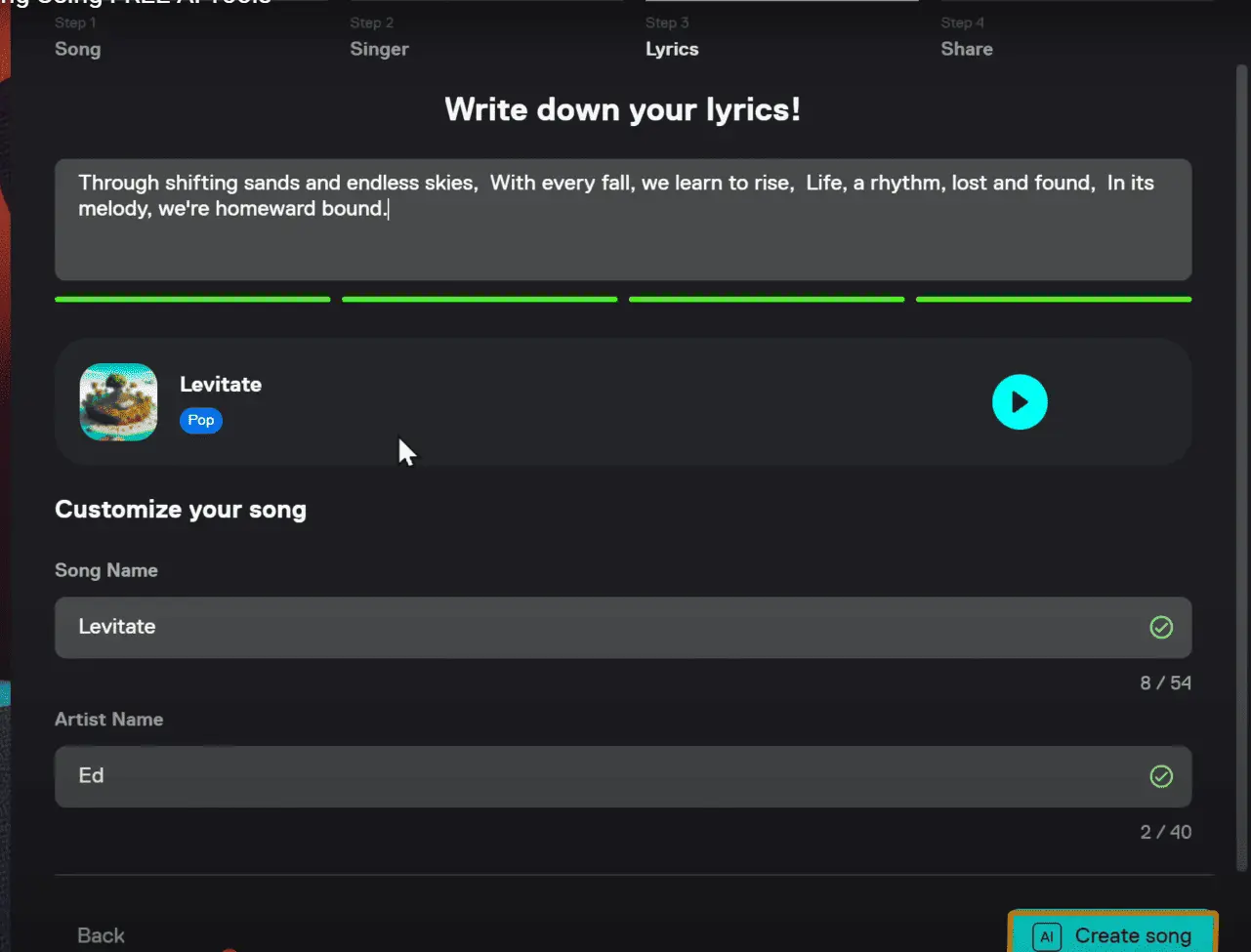
To download the song, just click here, and you can either download it as an audio file or as a lyrical video. I’m opting for audio this time, so let’s click Song, and your song will be downloaded to your computer.
Next up on the list, we have SongArt. This tool takes simplicity to the next level, making the entire process even smoother.

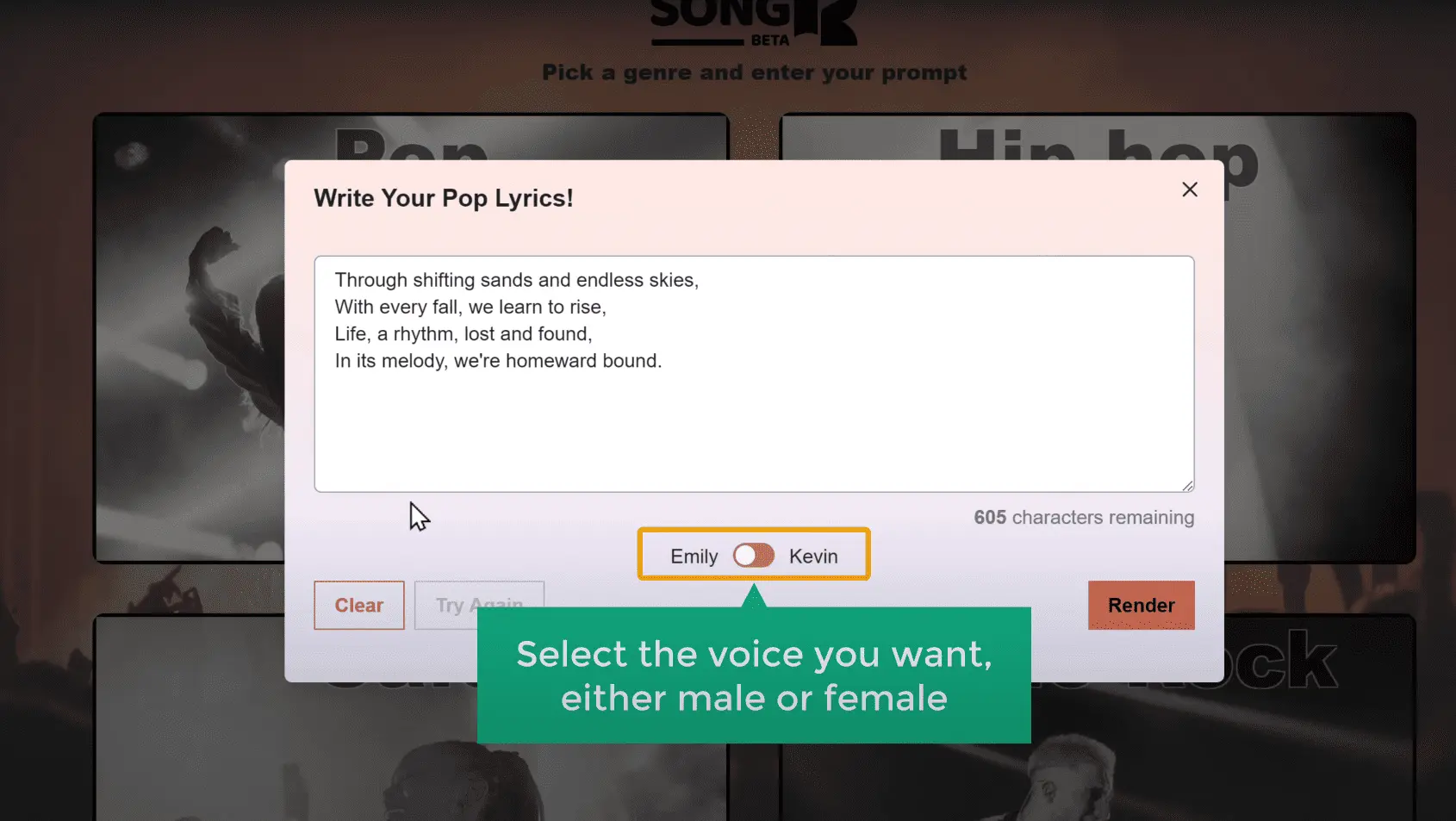
So let’s go to app.songart.ai. Choose the genre you want, then click I Have My Own Lyrics.
Now paste the lyrics you copied from GravityWrite. Select the voice you want—either male or female—then click Render.
And there you go, we’ve got a song:
“Shifting sand and endless skies, with every fall, we learn to rise, life reborn, lost and found in its melody, we’re home…” 🎵
It’s as simple as that!
If you’re not satisfied with the output, you can ask the tool to regenerate the song by clicking here, and you’ll get another version of the song.
If you want to download it, just click here, select the format you want, and it will be saved to your computer.
Okay, next, let’s move on to the third tool, which is BeatBot. This amazing tool has made things super simple. You don’t even need to write your own lyrics—it creates them for you, all while producing a beautiful song. Let’s check it out.
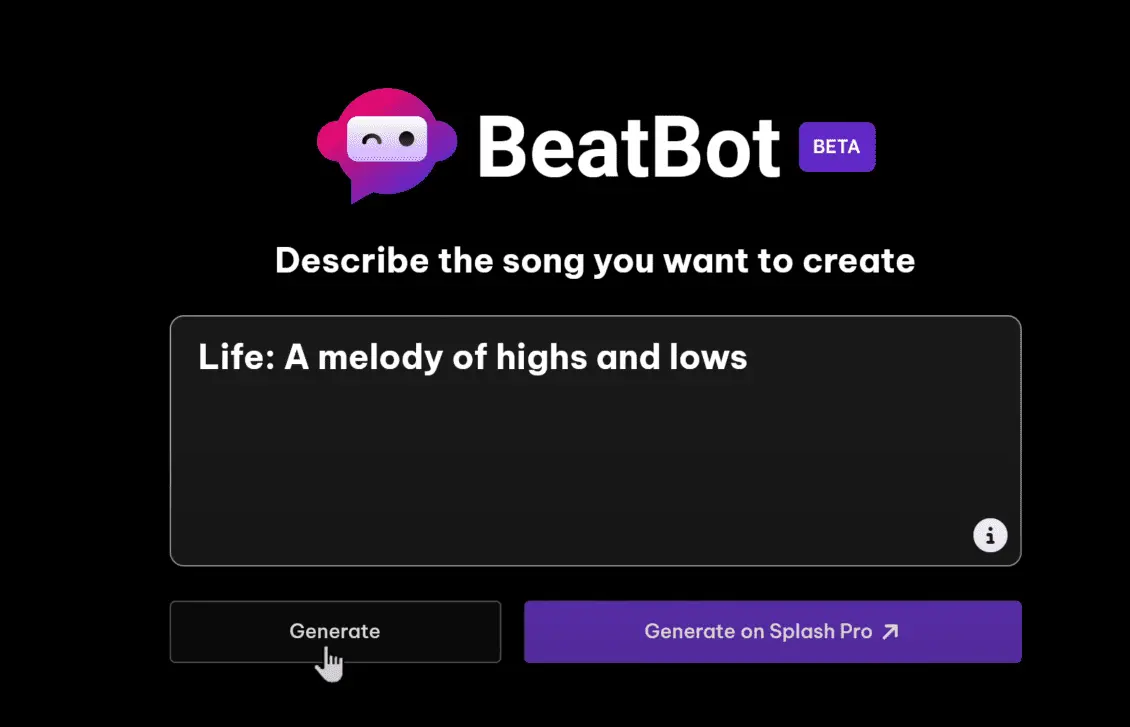
Just go to beatbot.fm. Once you’re here, simply enter the concept of your song, then click Generate, and the AI will do its thing.
“Down so many roads to take, a journey never missed…” 🎵
As you can see, the song has been generated for you.
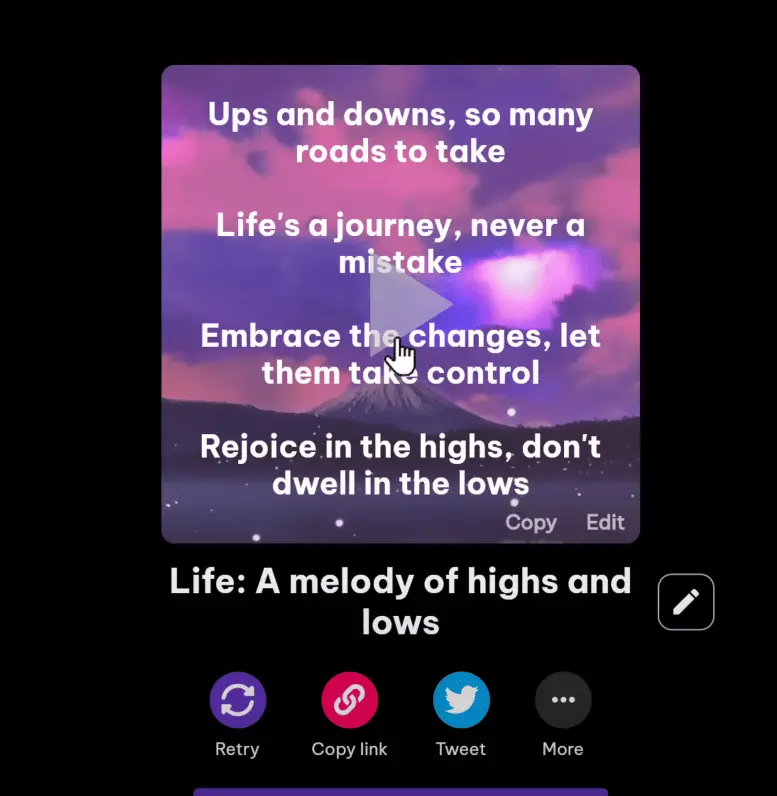
You can also get different versions by clicking on Retry. And if you want to incorporate your own lyrics into the song, you can do that too. Just click Edit, paste your lyrics, and the song will be regenerated with the lyrics you added. Then click Save.
“Shifting sands… with every fall…” 🎵
Now simply click here, and you’ll find three different download options available. You can choose to download it as a video or as audio, or if you prefer just the music, you can download it separately.
Finally, let’s jump into the last tool, which is Suno. Just like the tools I mentioned before, Suno is free to use. It examines the lyrics you give it to create entirely unique songs.
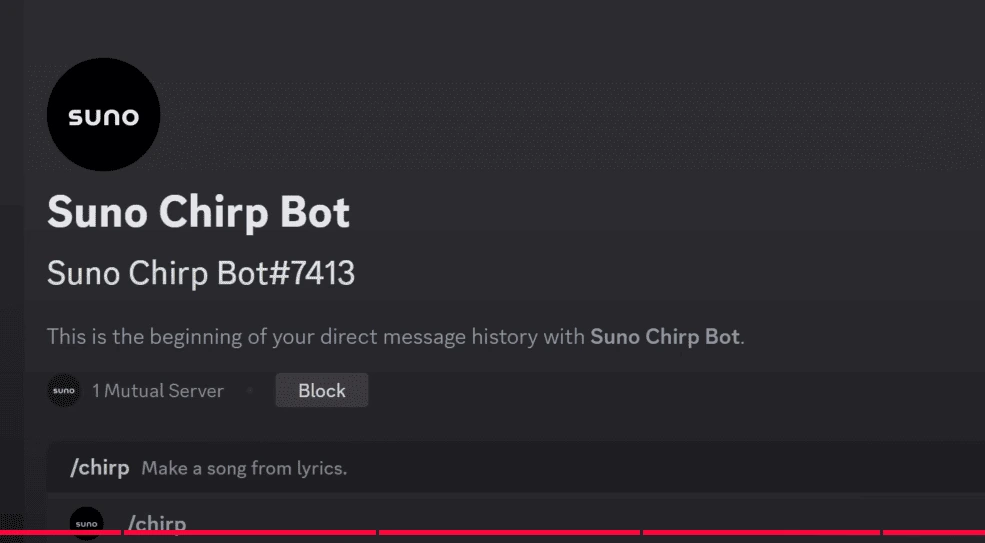
Let’s go to suno.ai, then click here
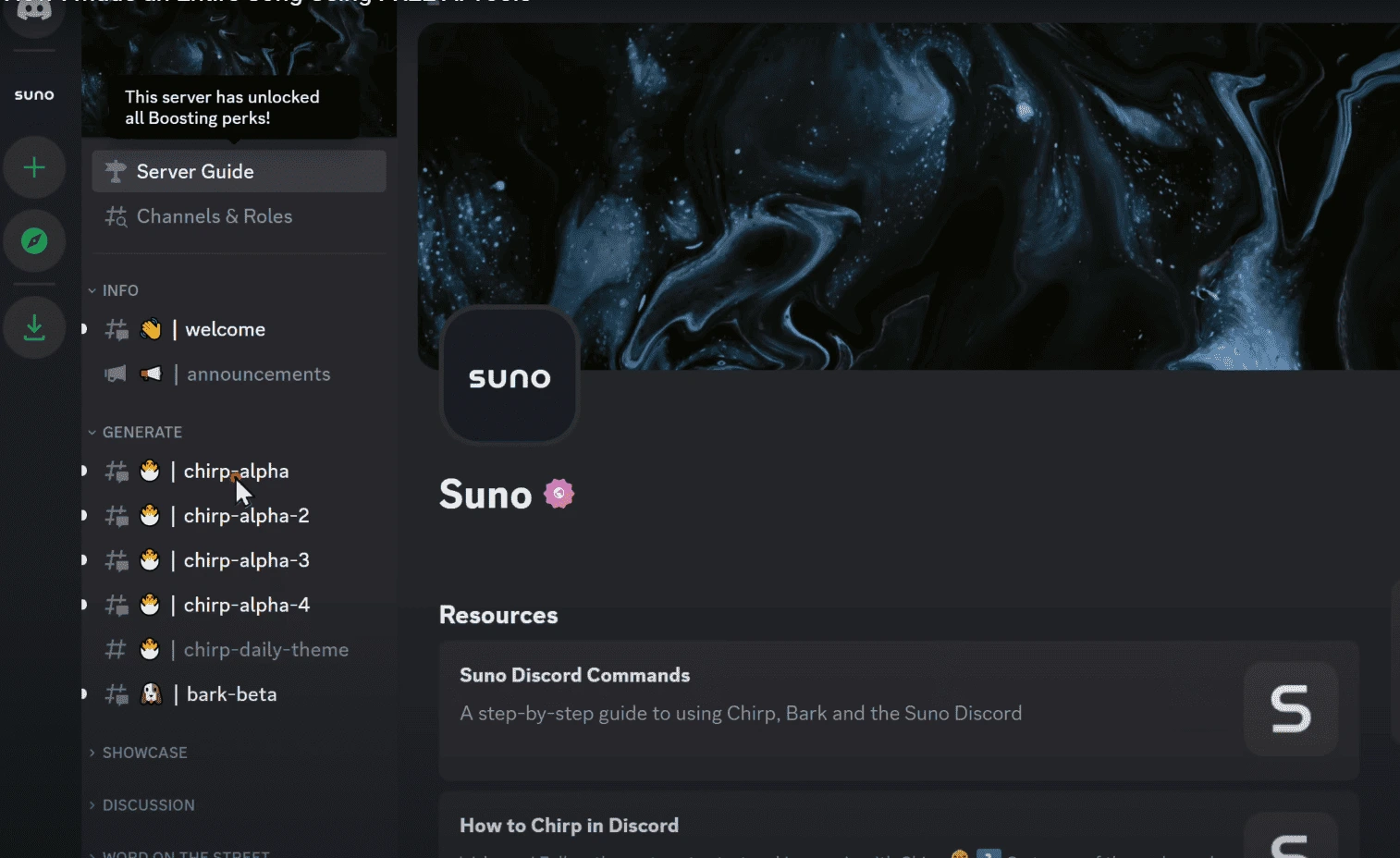
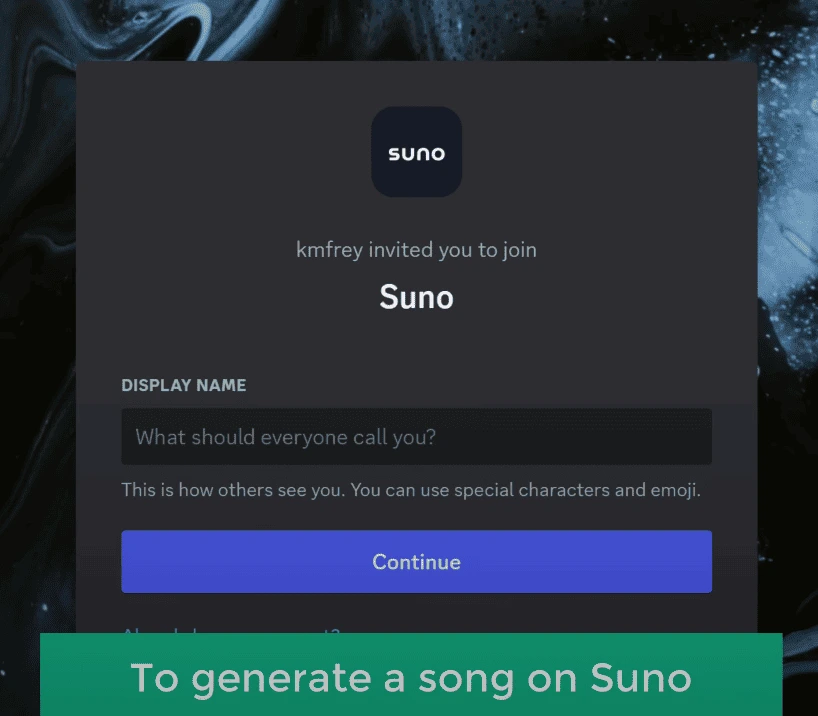
To generate a song on Suno, you’ll need an account on Discord. If you already have one, you can log in here. If not, enter your name and click Continue. Fill in the details, then click Claim Account, and your account will be created. Now click Skip, then Finish.
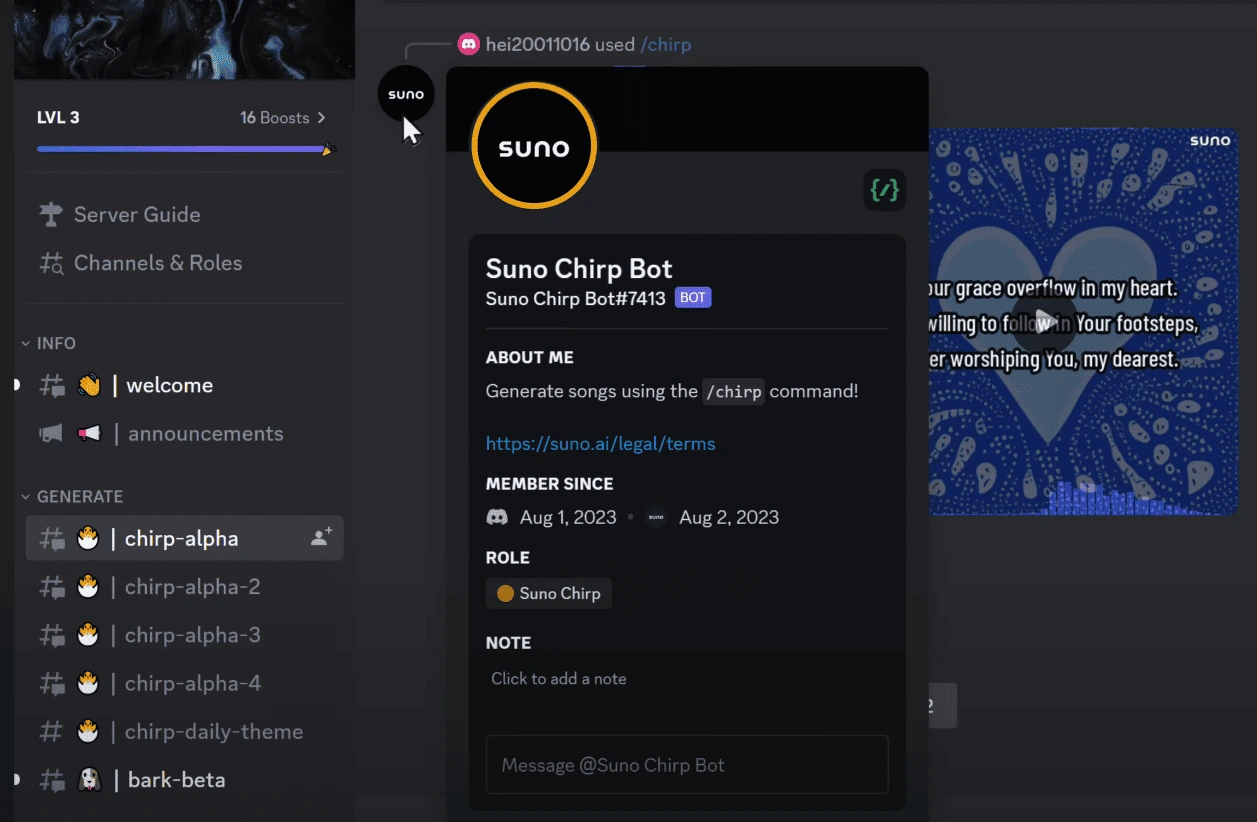
This is where you’re going to generate your songs. Feel free to explore any of these channels, and you might see some other actions too. These channels are open to the public, just like us, who’ve gathered here to create songs.
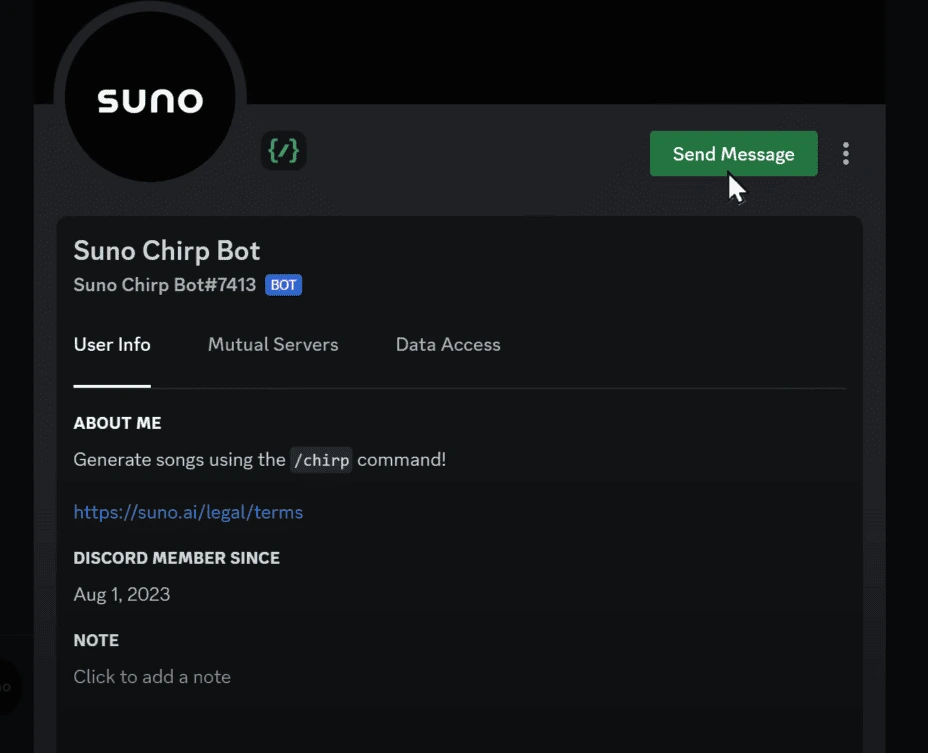
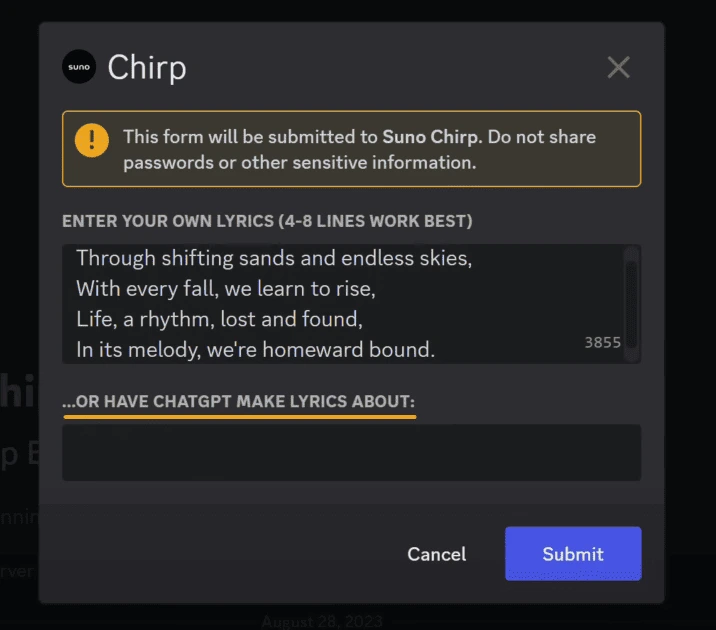
Here, type /chat and press Enter. Then accept the terms and conditions. You can paste your lyrics here, or you can ask ChatGPT to write lyrics for you, and then click Submit.
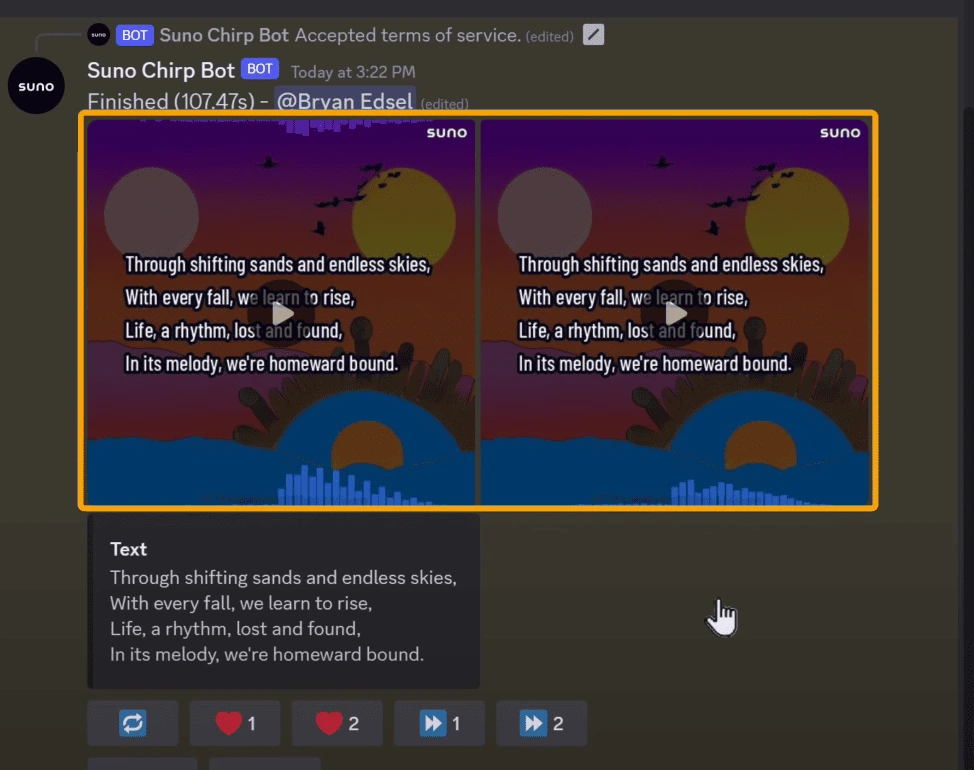
Now the AI will generate two different compositions for you:
“Shifting sand and endless skies, with every fall, we learn to rise…” 🎵
If you’re not satisfied with the results, you can regenerate the songs by clicking here, and you’ll get another set of two songs.
Below, you’ll find two buttons corresponding to songs 1 and 2. You can click on the button for the song you prefer. For instance, if you like the first song and want to continue with it, you can click the first button.
I’m going to go with the second song, so let’s click here.
Now, we need to paste the lyrics for the next four lines. So let’s go back to GravityWrite, copy the next four lines, paste them here, then click Submit, and your song will be ready in just a few seconds.
So that’s it, guys! These are the four best AI song generators that you can try.
Video Tutorial
A quick note while using these tools: remember that there might be time restrictions for generating songs for free. Also, these tools are just the best ones available right now—but who knows? At the rate at which AI is growing, it might even be able to sing better than actual singers!
Just give it a try and let me know in the comments section below which one is your favorite.
If you want AI to generate songs in your own voice, you can watch this video. If you found this video helpful, make sure you click the Like button, and don’t forget to hit that Subscribe button to get more videos like this one.
Thanks for watching, and I’ll see you guys in the next video. Until then, take care. Bye-bye! 🎵